Orders and refunds land in Moneybird as correct entries. No export, no CSV.
€12.99 per month or €129 per year · 30-day free trial · monthly plan cancellable any month
The app follows your Shopify admin language: English or Dutch.
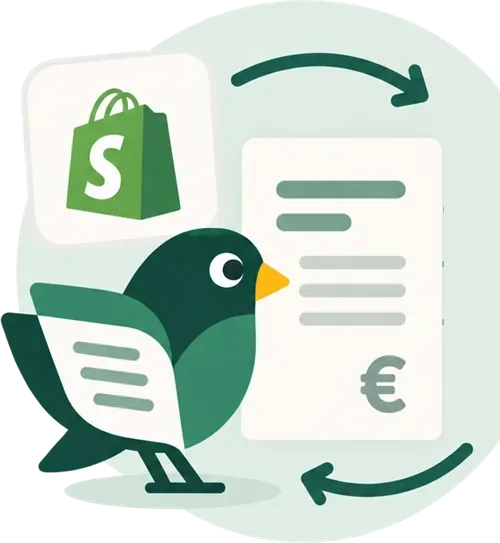
Boekvogel is a Shopify app that puts every paid order into Moneybird as a sales invoice, with the right VAT rate per order line. Refunds become credit notes, and the payment is recorded on the clearing account of the payment method. You set it up once; after that it happens automatically.
Last updated:
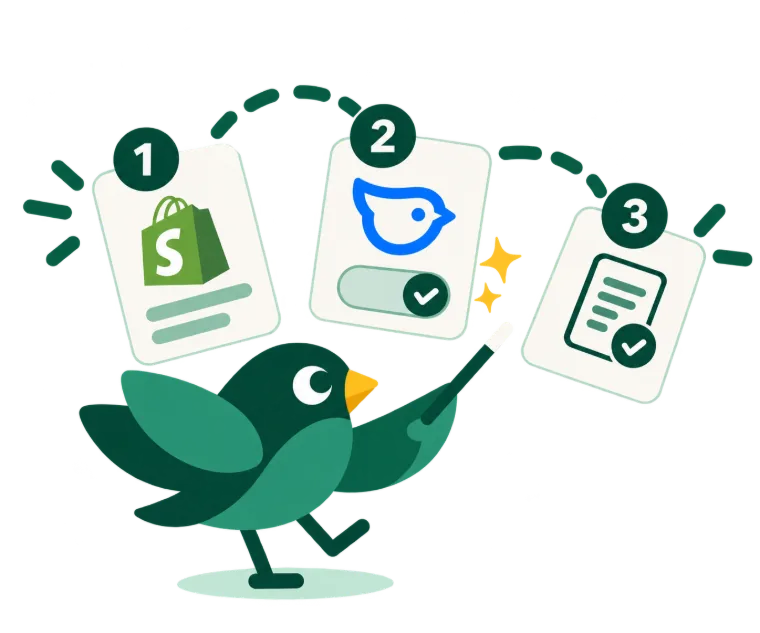
Installing and setting up takes a few minutes. After that you don't need to look at it again.
Boekvogel asks for access to your orders, refunds, customer details and payouts. Nothing to download, no API keys to copy.
Log in to Moneybird once and pick the administration. Then you assign revenue, shipping and tips to your ledger accounts.
Everything goes through automatically. Only what Boekvogel isn't sure about waits, in the “Needs attention” list, until you fix it and try again.
Not just the orders. The refunds too, and per payment method the payment on your own clearing account.
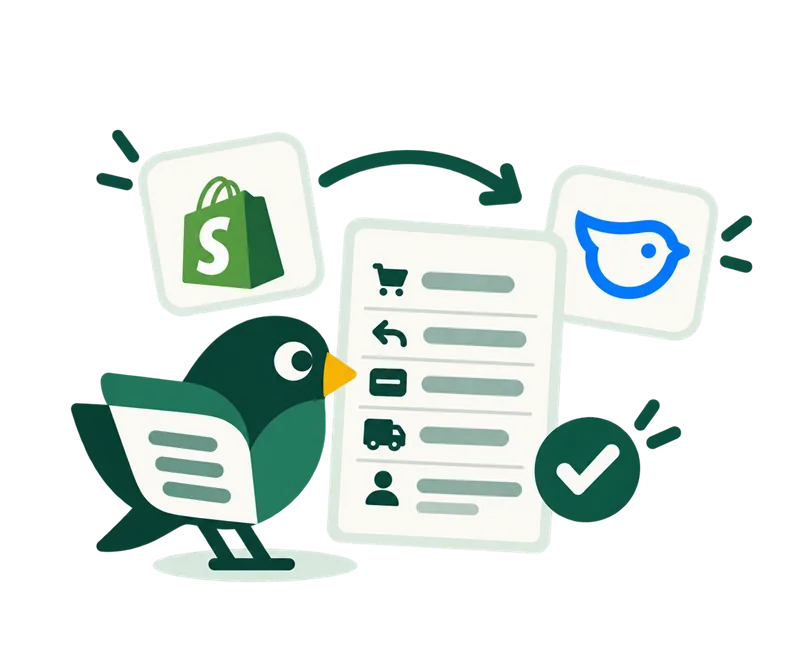
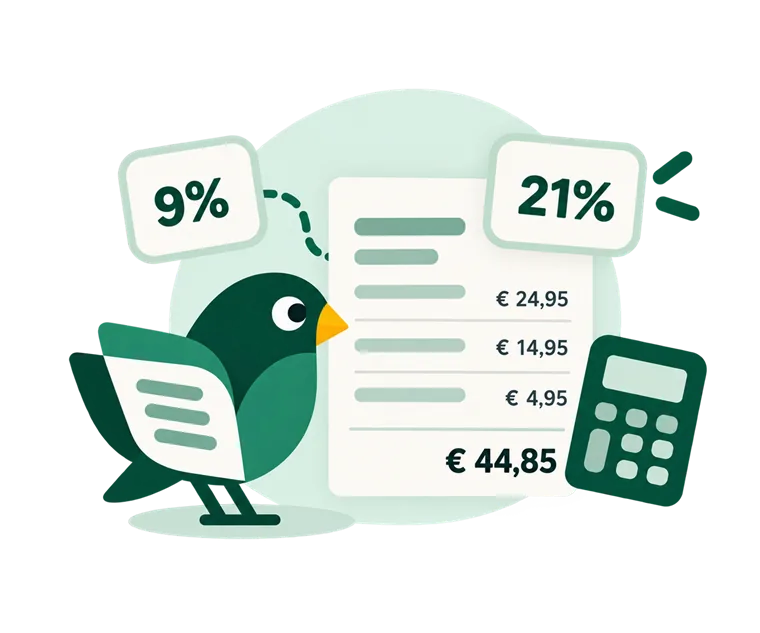
An order with coffee beans at 9% and a mug at 21% produces one invoice with both rates shown separately. That keeps your VAT overview in Moneybird correct without manual work.
| Customer | Rate | On the invoice |
|---|---|---|
| Consumer in the Netherlands | 21% | Standard VAT, per line |
| Consumer in the Netherlands, reduced rate | 9% | Books and food, for example |
| Consumer in the EU | Local rate | OSS, booked per country |
| Business customer in the EU, VAT-exempt in Shopify | 0% | Reverse charge |
| Customer outside the EU | 0% | Export |
Is a situation not mapped to a rate in Moneybird? Then Boekvogel books nothing and puts the order in the “Needs attention” list. You map the rate and push the entry through with one click.
A customer buys one item of €12.50 including 21% VAT and pays with iDEAL. This is what's in Moneybird afterwards, without you doing anything.
Three ways to get your Shopify revenue into Moneybird.
| Retyping | Export | Boekvogel | |
|---|---|---|---|
| Work per order | Retype by hand | Export and import | None |
| VAT per order line | Work it out yourself | Often one rate per order | Automatic, per line |
| Refunds | Separate credit note | Usually manual | Automatic credit note |
| Payment on the right account | Look it up yourself | Not in the export | Per payment method |
| Duplicate entries | Can happen | Can happen | Never the same order twice |
Better to know now than after a month.
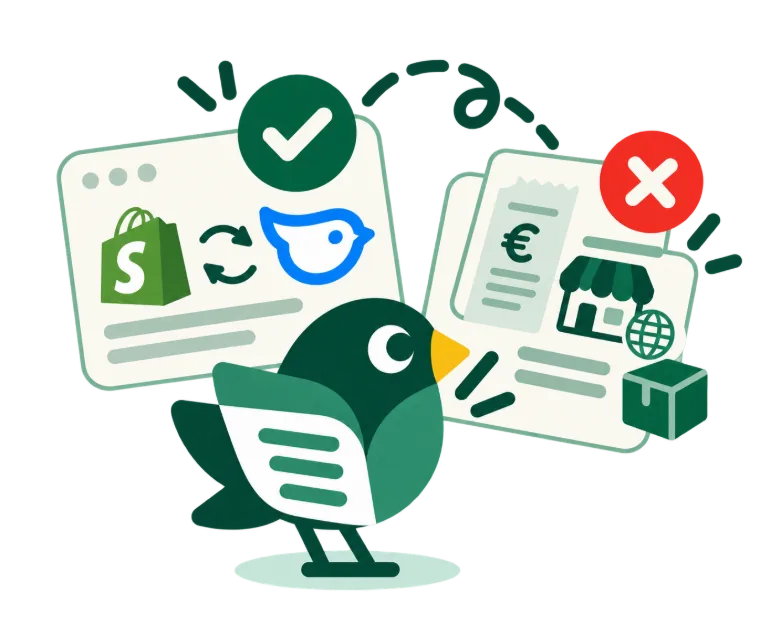
Boekvogel books per order. If you work with a single combined daily entry, this isn't a fit.
If you also sell through a marketplace or a second platform, that revenue isn't included.
Purchase invoices, stock valuation and payroll remain work for you or your accountant.
Four terms from the settings, in plain language.
€12.99 per month or €129 per year, the first 30 days free and cancellable every month. One price, regardless of the number of orders; with the yearly plan you pay ten months for a full year.
You choose: as soon as the order is paid, as soon as it's placed, or as soon as it's shipped.
Consumers in the EU get the local rate through the OSS scheme, business customers who are VAT-exempt in Shopify get reverse charge, and customers outside the EU get 0% export; Boekvogel doesn't verify the VAT number itself. You map each situation to a rate in Moneybird once.
It becomes a credit note, partial refunds included. The credit note gets the order number with a sequence number as its reference (for example #1001-R1), so you can put it next to the invoice. If you book regular sales invoices and the whole order is refunded, Boekvogel credits the original invoice in Moneybird.
Yes. Per payment method you choose on which financial account in Moneybird the payment is recorded, so you can later match it against your bank statement.
Yes, for Shopify Payments. For each payout Boekvogel books the fees Shopify withheld and prepares the net payout to be linked to your bank transaction. You switch it on yourself in the settings; it's off by default. For Mollie and PayPal the payout isn't in Shopify, so you match those yourself.
You enter a start date and then have the orders read in. Everything before that date is skipped, so you won't get duplicate revenue in your books.
No, as long as Boekvogel is the only integration booking in this administration. Boekvogel creates one invoice per order, even if Shopify sends the same notification twice.
Every hour Boekvogel checks Shopify for missed orders and books them after all. Orders from before the installation or before your chosen start date are left out; you book those yourself through the import.
The entry stays in the log with the reason next to it. You then push it through with one click.
In Shopify your orders, refunds, customer details and payouts, and in Moneybird the sales invoices, the bank and the settings. No product management, no theme, no discounts.
Yes. The connection works with the settings of your Moneybird administration, so Belgian rates and a Belgian VAT number work too. The app was built first and foremost for the Dutch situation. We cover Belgian VAT cases in our tests, but Boekvogel hasn't yet been proven with a live Belgian shop. If you run a Belgian web shop, email us before you start.
No. Boekvogel makes sure the VAT per invoice line is right in Moneybird. You or your accountant file the return, as always.
No. You install it, give permission and choose the accounts yourself in a few minutes.
Boekvogel only works with Moneybird. If you use a different package, let us know at hallo@boekvogel.nl; what's asked for most decides what comes next.
Installing takes a few minutes. The first 30 days are free, then €12.99 per month or €129 per year.