A bookkeeping connection for Dutch web shops, also usable for Belgium. No export, no CSV, no monthly evening with a spreadsheet.
€12.99 per month or €129 per year · 30-day free trial · monthly plan cancellable any month
The app follows your Shopify admin language: English or Dutch.
Schematic view of the log in the app.
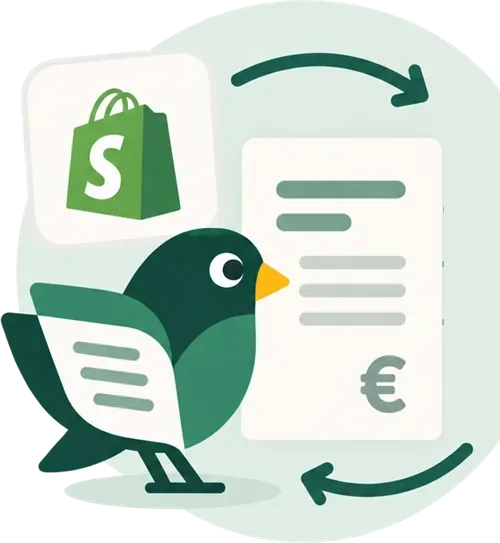
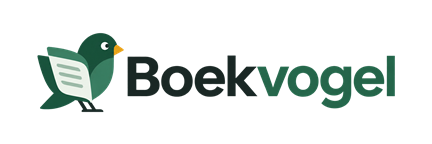
Install Boekvogel in Shopify and give Moneybird permission once. Nothing to download, no API keys to copy.
Assign revenue, shipping and payment fees to the accounts your accountant uses. The default setting is right for most web shops.
New orders and refunds go through automatically. Anything Boekvogel isn't sure about waits until you resolve it and try again.
Which accounts does Boekvogel book to? The suggestions come from your own chart of accounts, for example 81180.01 Omzet. Check them.
Which VAT rate in Moneybird belongs to which situation in Shopify? Boekvogel suggests and never guesses.
Not mapped is no problem: that order goes to the “Needs attention” list.
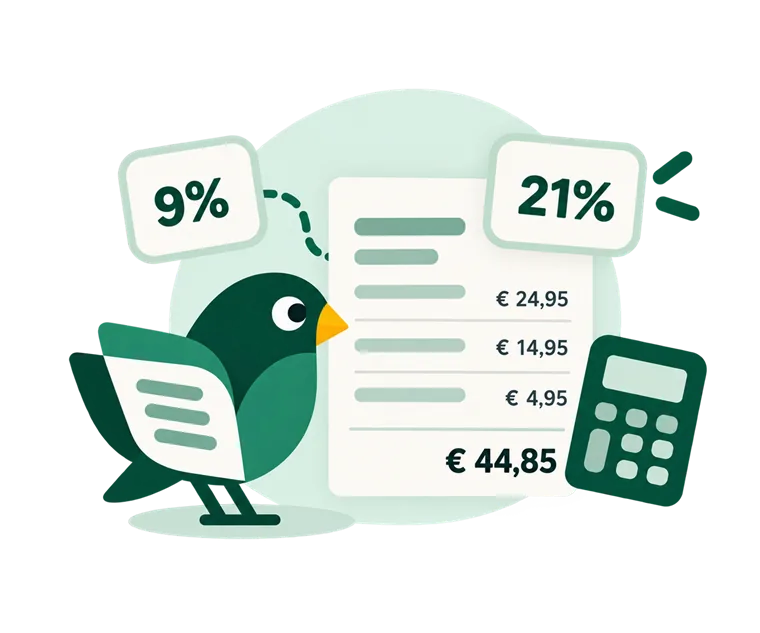
An order with coffee beans at 9%, a mug at 21%, shipping and a discount code produces one invoice with both rates shown separately. The discount is spread across the lines, each with its own VAT. This is order #1008 from our test shop, to the cent as it appears in Moneybird.
Boekvogel reads the customer's shipping address and whether they are VAT-exempt in Shopify, and picks the matching treatment.
Right after setup, Boekvogel goes through your orders from the last 60 days, free of charge. Nothing is booked and nothing is sent to Moneybird. You see which rate every order would get, and which ones it holds back because it is not sure, with a button to the setting that fixes it. This is what the check looked like in our test shop, before the first booking:
More on this: the VAT check.
This is the external sales invoice Boekvogel creates as soon as order #1004 is paid in Shopify: one item of €12.50 including 21% VAT.
Not just the orders. The refunds too, and per payment method the payment on your own clearing account: an account in Moneybird that receives the incoming payments of that method, so you can later match them against your bank statement. If you use Shopify Payments, you can have the payouts reconciled: Boekvogel books the fees Shopify withholds separately per payout, so the net amount matches what actually lands in your bank account.
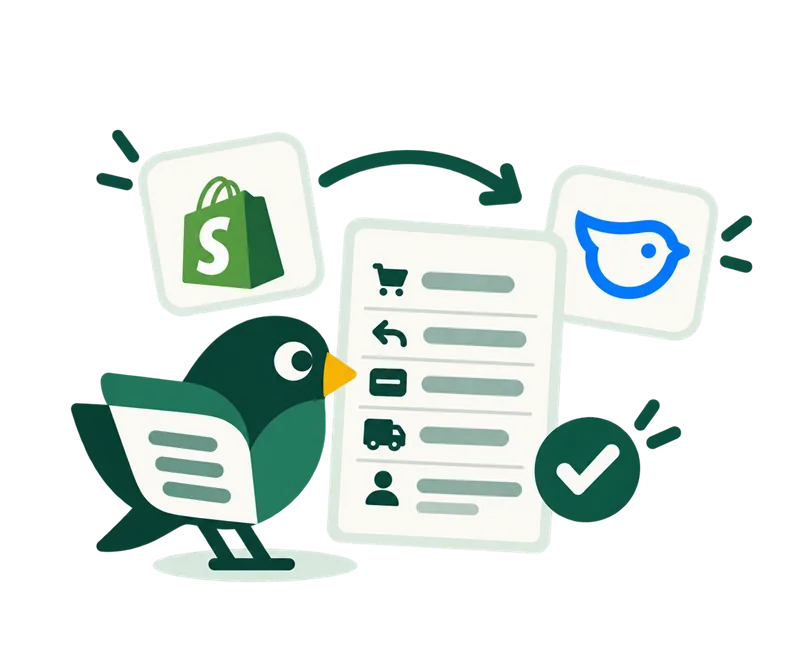
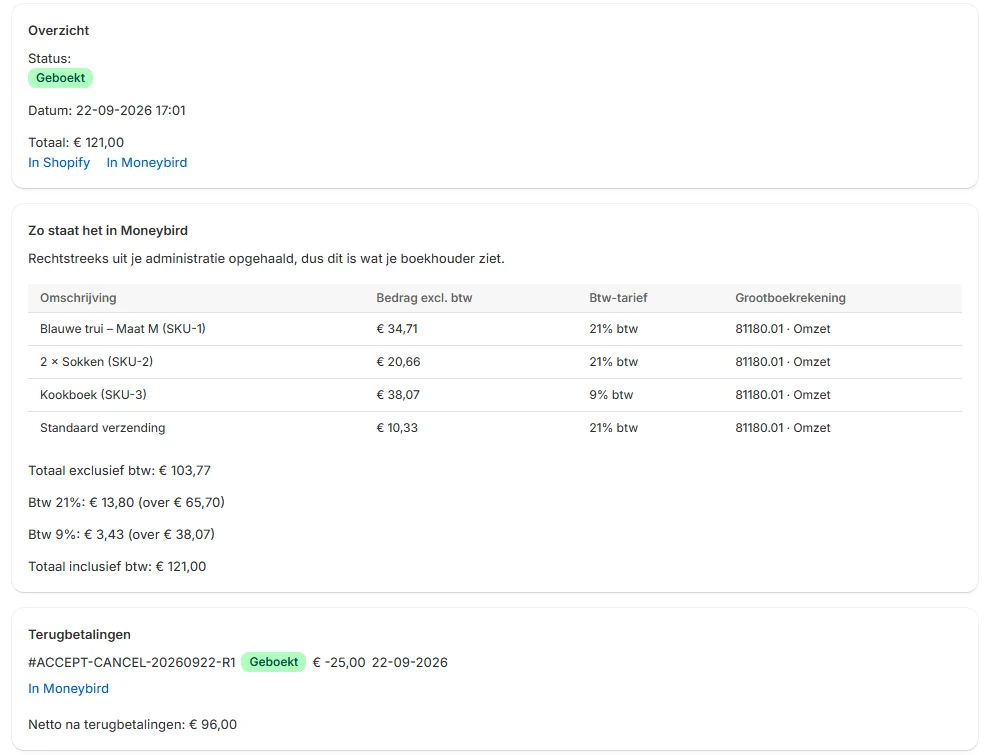
You can look back at what was booked and why. What Boekvogel isn't sure about, it doesn't book.
Boekvogel never books the same order twice, not even when Shopify sends a notification twice. And if a notification never arrives, Boekvogel still finds the order during its hourly check.
A VAT situation without a rate or a missing ledger account doesn't go into the books. Boekvogel tells you what's missing; you fix it and try again.
Was Moneybird briefly unreachable, or was a setting missing? Fix it and push the entry through with one click.
For each order you see what was booked, when, and in case of an error the reason in plain language.
Boekvogel only works with Moneybird: read how to connect Shopify to Moneybird. If you use a different package, let us know at hallo@boekvogel.nl. What's asked for most decides what comes next.
Yes. Right after setup, Boekvogel goes through your orders from the last 60 days free of charge, without booking anything or sending anything to Moneybird. You see per VAT situation which Moneybird rate it picks and which orders it holds back because a mapping is missing, with a button to the setting that fixes it. This happens during the free trial.
Boekvogel doesn't file your VAT return and doesn't track stock or purchases. It doesn't read sales channels other than Shopify. Entries that are already in Moneybird are never changed afterwards: you make corrections in Moneybird itself.
You choose the date from which Boekvogel starts. Everything before it is left alone, so you won't get duplicate entries for a period you've already closed. If you're switching from another integration, turn it off on the day Boekvogel starts; the help centre explains step by step how to trial it safely alongside your current integration first.
Yes. The connection works with the settings of your Moneybird administration, so Belgian rates and a Belgian VAT number work too. The app was built first and foremost for the Dutch situation. We cover Belgian VAT cases in our tests, but Boekvogel hasn't yet been proven with a live Belgian shop. If you run a Belgian web shop, email us before you start.
No. The default settings suit a typical Dutch web shop. If you work with an accounting firm, you set up the ledger accounts exactly the way they want.
By default Boekvogel books external invoices: they keep the Shopify order number as the invoice number. If you choose sales invoices in the settings, Boekvogel follows Moneybird's numbering and puts the order number on the invoice as a reference, so you can match the two sides.
€12.99 per month or €129 per year, regardless of the number of orders. Everything is included: OSS and reconciling Shopify Payments payouts too, with no setup fees or add-on modules. With the yearly plan you pay ten months for a full year. The first 30 days are free and you can cancel through Shopify.
Installing takes a few minutes. Right after, your own orders from the last 60 days show what Boekvogel would book, without anything being booked. The first 30 days are free, then €12.99 per month or €129 per year.
Not sure whether your situation fits, for example with OSS, several shops or your own chart of accounts? Ask, and we'll look at your case specifically.